Moving UI elements
Once you have selected one or more UI elements, there are a few different ways to move it on the board.
- You can drag it with your mouse (hold down SHIFT to maintain the original horizontal or vertical position)
- You can "nudge it" one pixel at a time with your keyboard's ↑↓←→ keys
- You can move it with bigger steps (10 pixels) by holding down SHIFT and using your keyboard's ↑↓←→ keys
- You can move UI elements to be aligned in one direction by using the align tools shown below
If you've selected a container element, moving it will also move everything inside it.
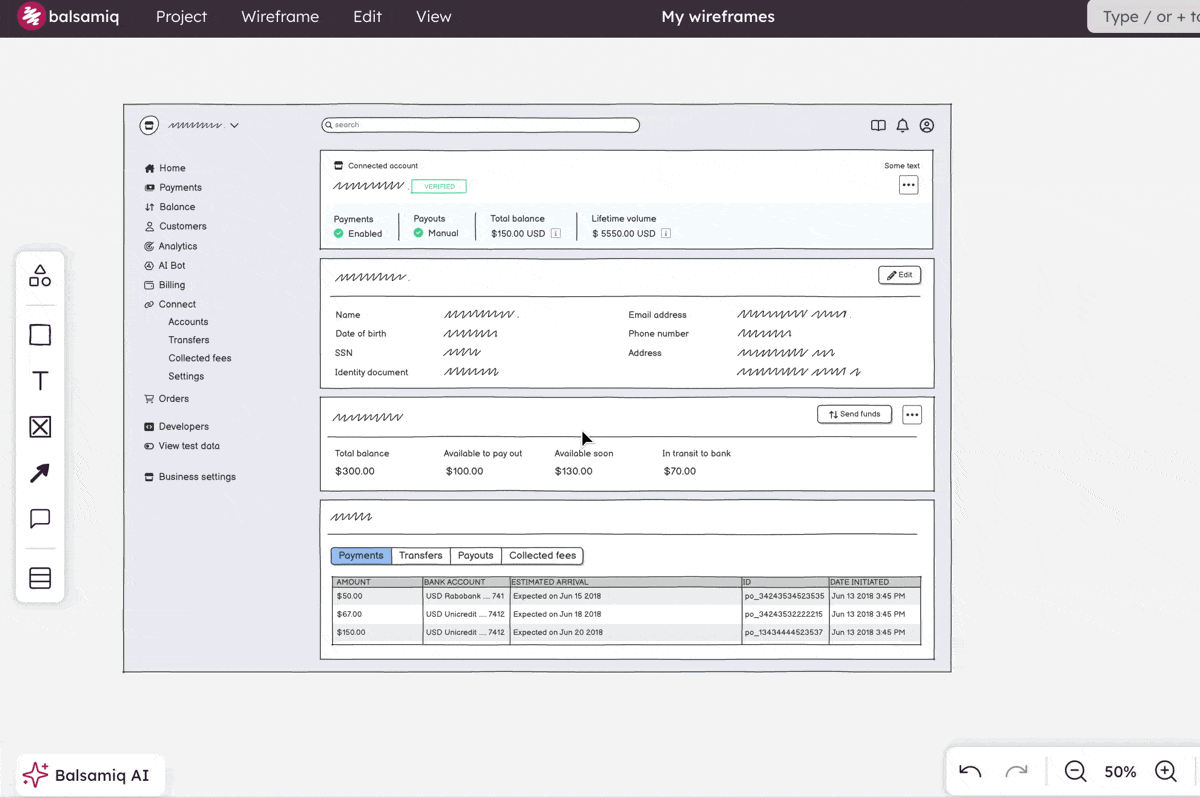
Note: Containers elements include Rectangle, Shape, Browser Window, Window, Filed Set, iPad, iPhone, Smartphone, Tabs Bar, V.Tabs, Popover, and Modal Screen elements.