Using find and replace
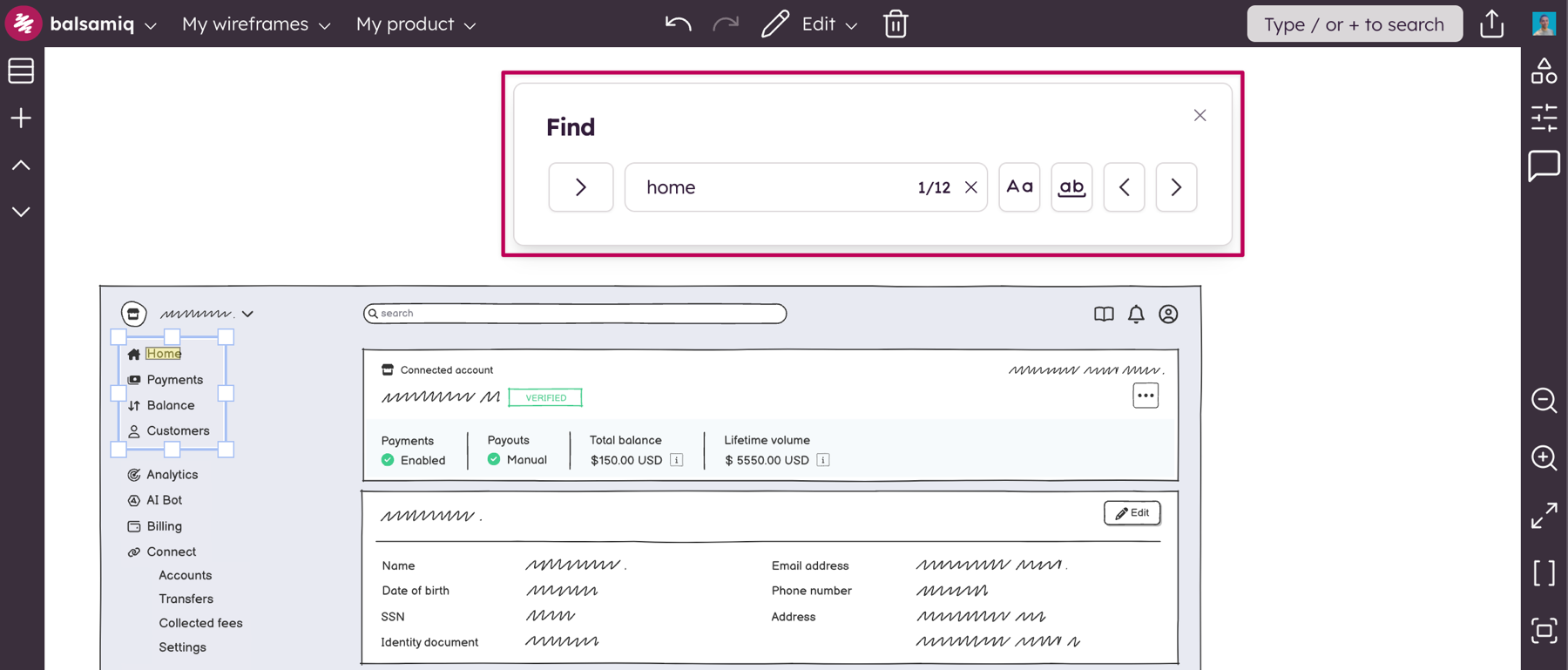
You can search for words within a Balsamiq Project using the dedicated Find feature, available in the Edit menu (keyboard shortcut CTRL/⌘+F).
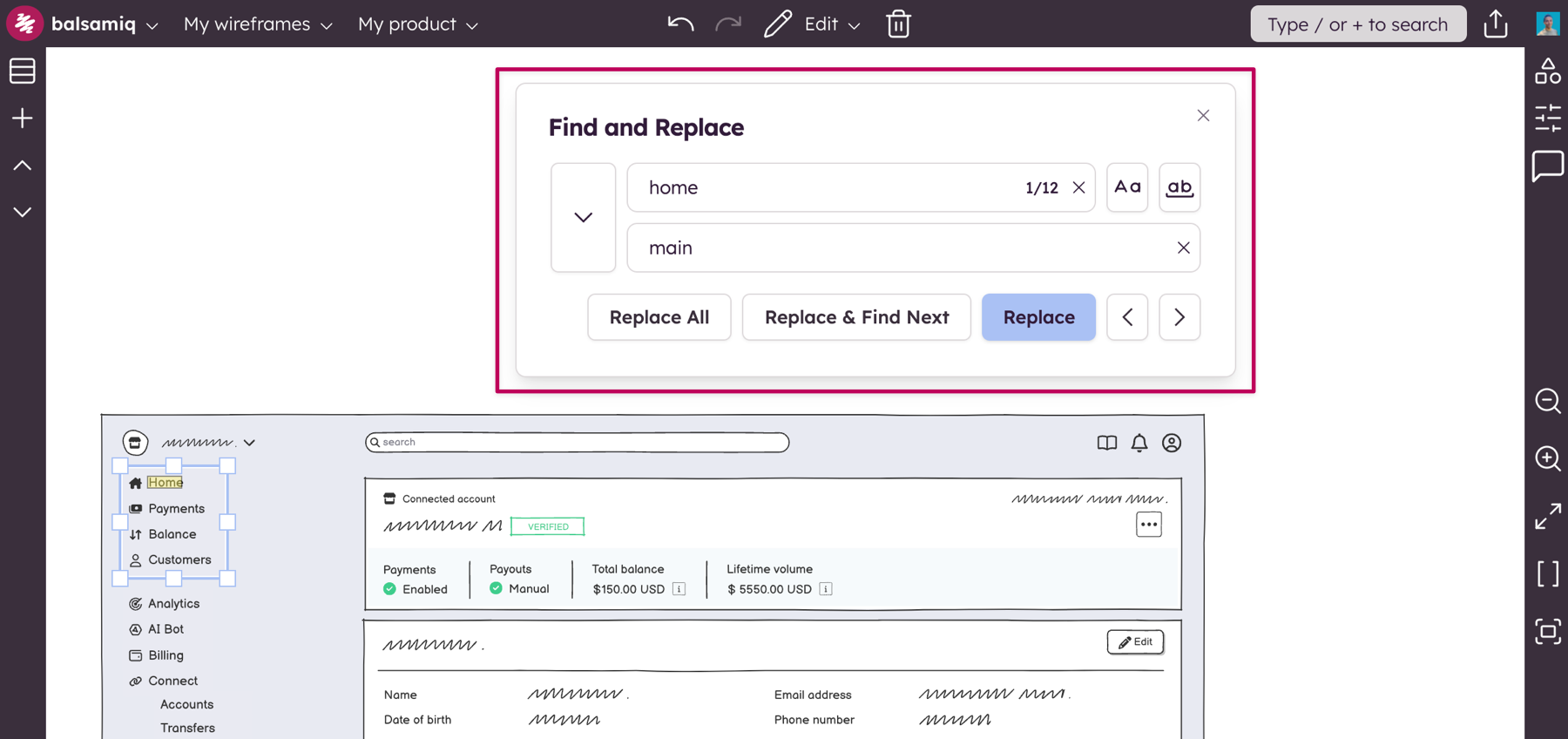
You can also Find and Replace words from any UI elements using this feature (keyboard shortcut CTRL/⌘+ALT+F). Find and replace actions can be undone using CTRL/⌘+Z.
Note: The whole UI element will be highlighted if the matching result is not visible on the board (e.g. a word being cropped out while resizing a UI element).