Skip to main content
Product
Features
Prototypes
Balsamiq AI
Wireframes
Use cases
For PMs
For founders
For consultants
Customer stories
Pricing
Resources
Help Center
Examples gallery
Getting started
Blog
Log in
Try it free
Try it free
Product
Features
Prototypes
Balsamiq AI
Wireframes
Use cases
For PMs
For founders
For consultants
Customer stories
Pricing
Resources
Help Center
Examples gallery
Getting started
Blog
Log in
Try it free
Sharing and collaborating
Help Center
Product docs & FAQs
Plans & Billing FAQs
Help Center
Product docs & FAQs
Plans & Billing FAQs
Documentation
Getting started
Account Management
Creating and editing
Sharing and collaborating
Sharing and reviewing
Collaborative editing
Exporting
Importing
Importing wireframes from another Balsamiq project
Importing a project to Balsamiq
Importing images
Full Screen Presentation Mode
Integrations
Importing
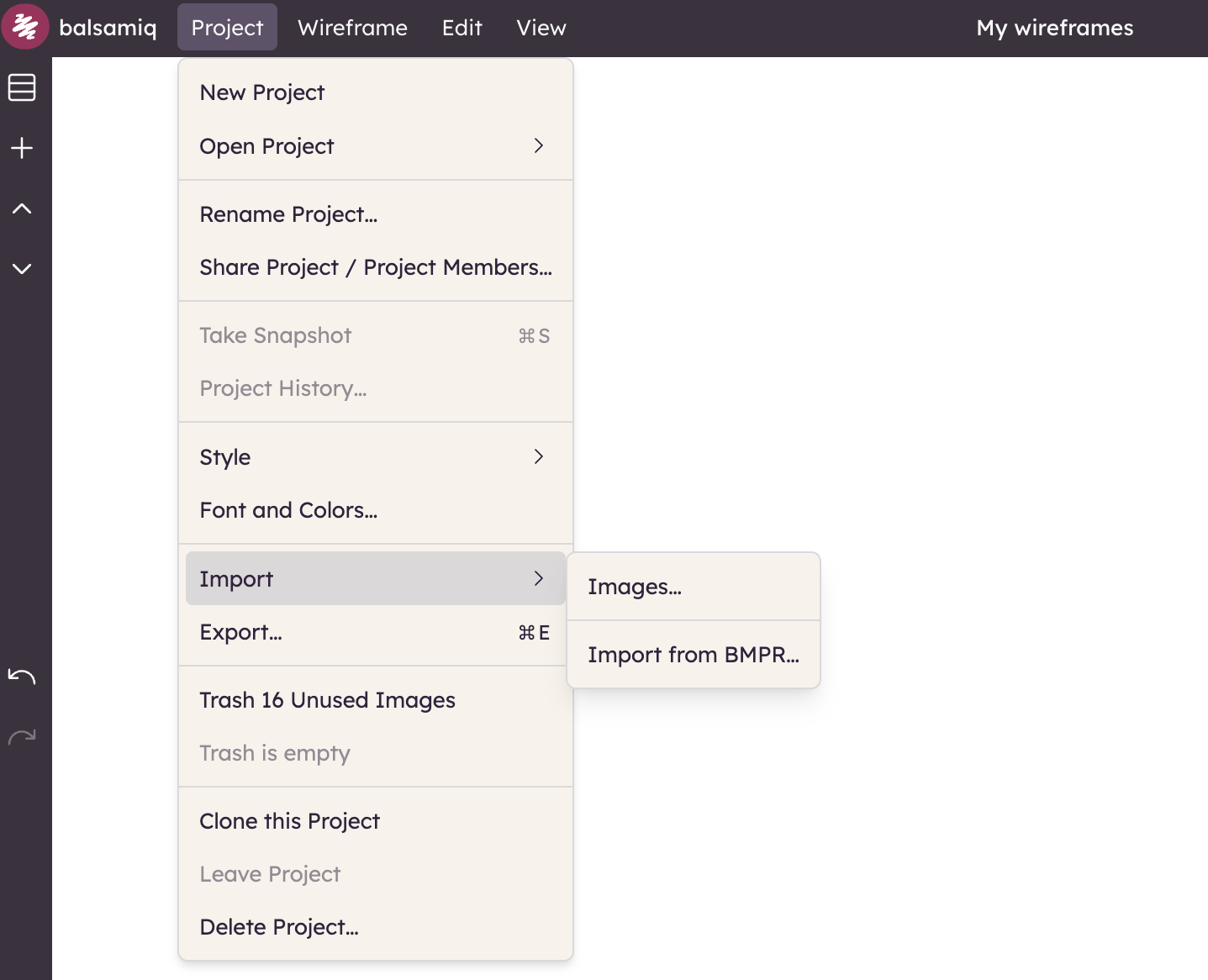
The Balsamiq editor offers different import options, available from the Project menu.
Importing boards from another Balsamiq project
Importing a project to Balsamiq
Importing images