Adding a new project to a Jira issue
To add a new Balsamiq project to a particular Jira issue, start by clicking the Apps button, located under your Jira issue name.
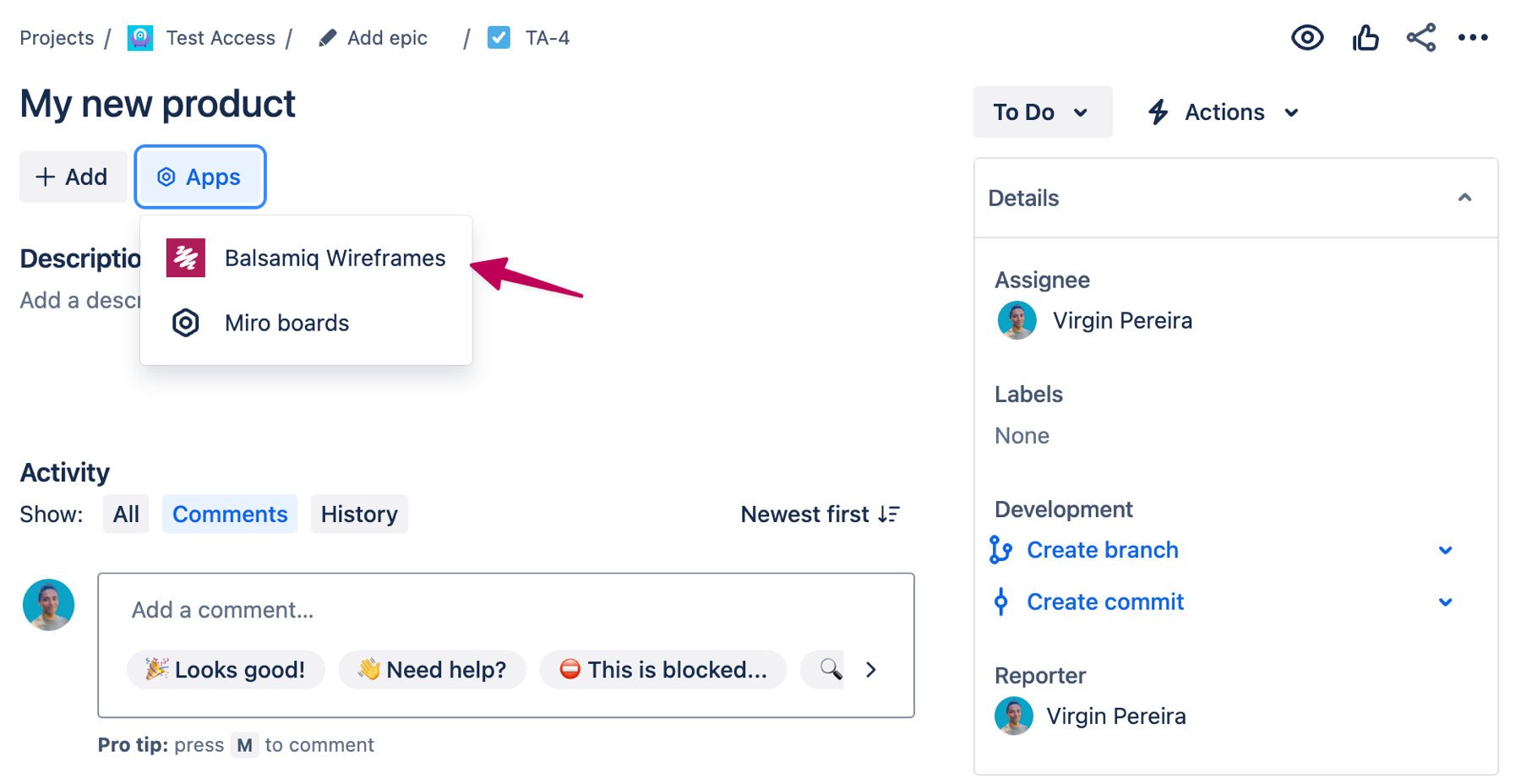
This will reveal the Balsamiq panel. From there, click on "Add Wireframes with Balsamiq" to add a new project.
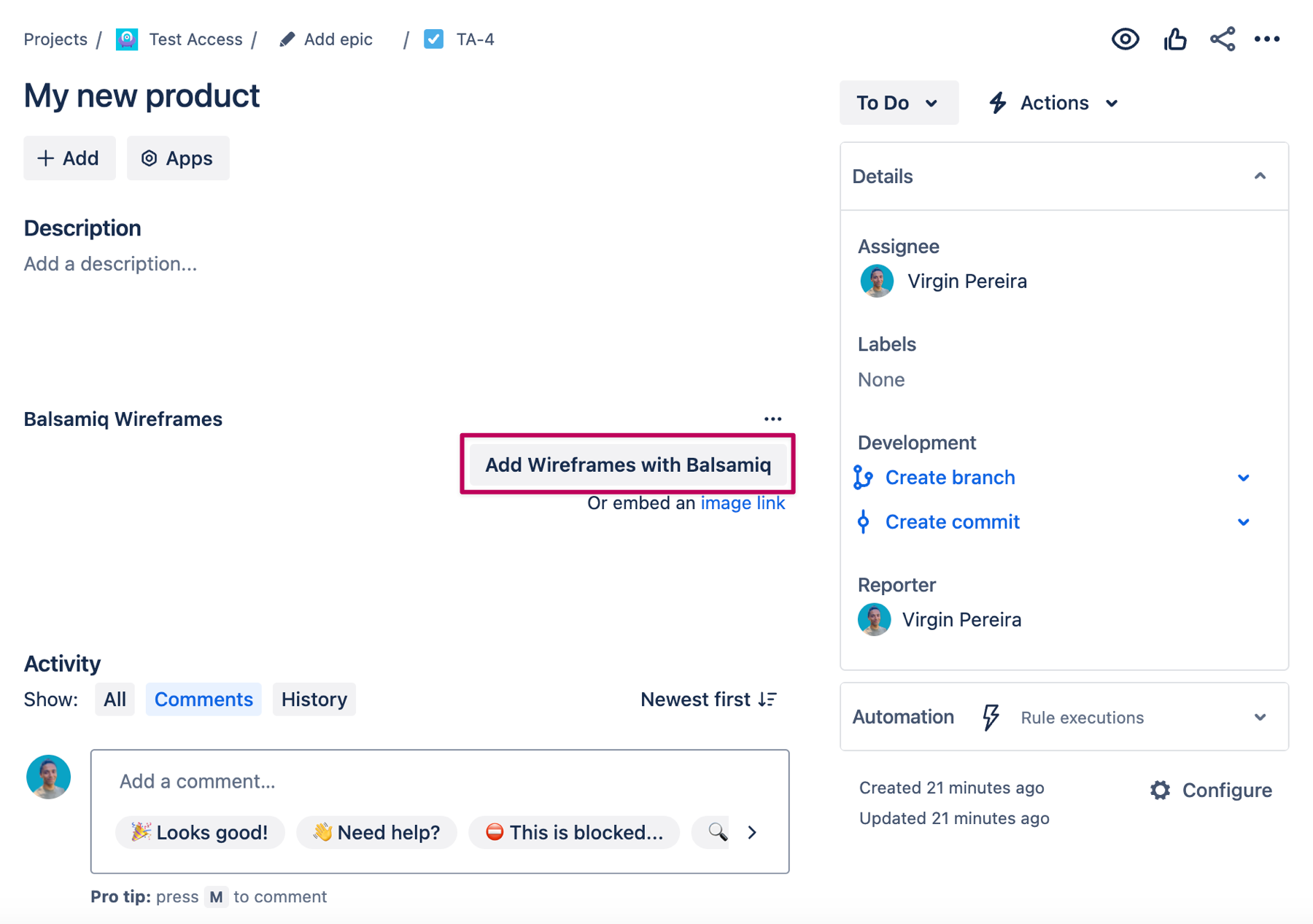
Clicking this button will launch the Balsamiq editor, allowing you to create your wireframes. This will also create a new Balsamiq file (.bmpr file extension) attached to your Jira issue containing all the resources that belong to a project (wireframes, components, images, icons).
Alternatively, you can instead use an Image Link from a wireframe that you have already created. More details on this page.