Managing components
On this page
You can manage your Components from the Components editing mode or from the UI elements panel (right-click on the desired Component). You can rename, duplicate or delete any Component from both locations, as shown below.
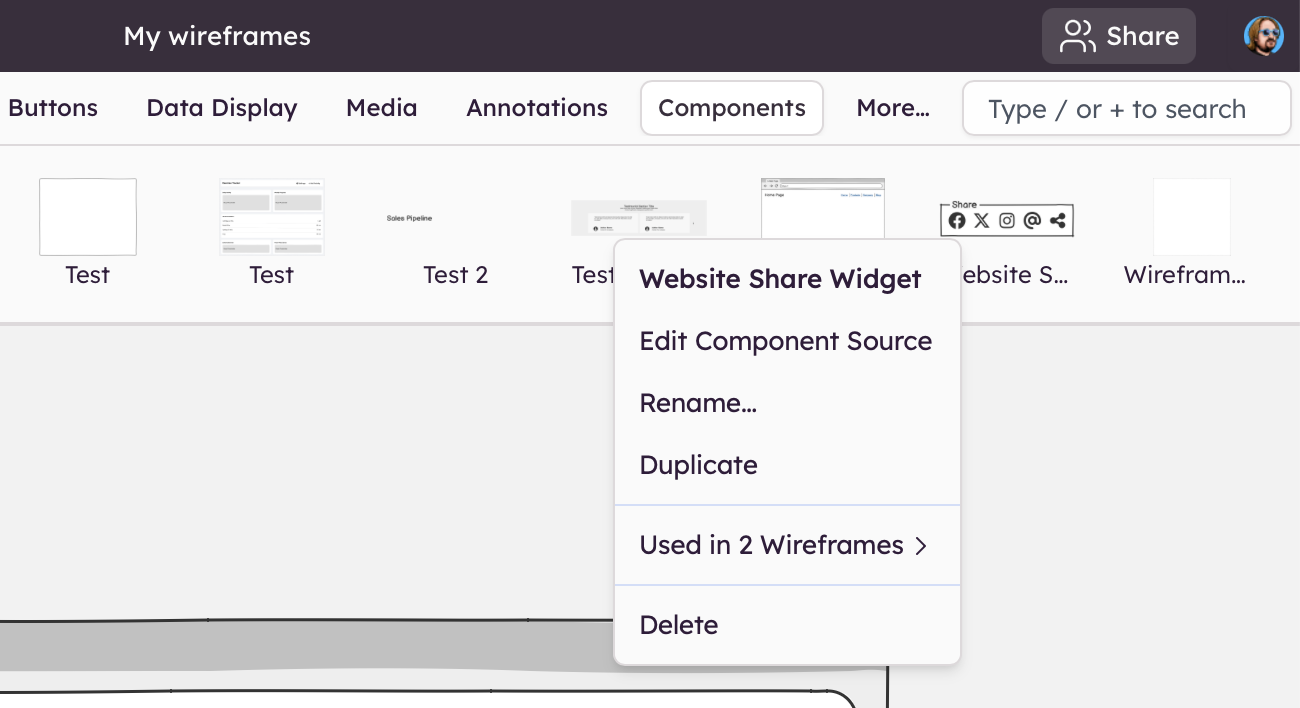
Note: Just like images, deleting a Component from a board does not delete the Component, only that instance of the Component.
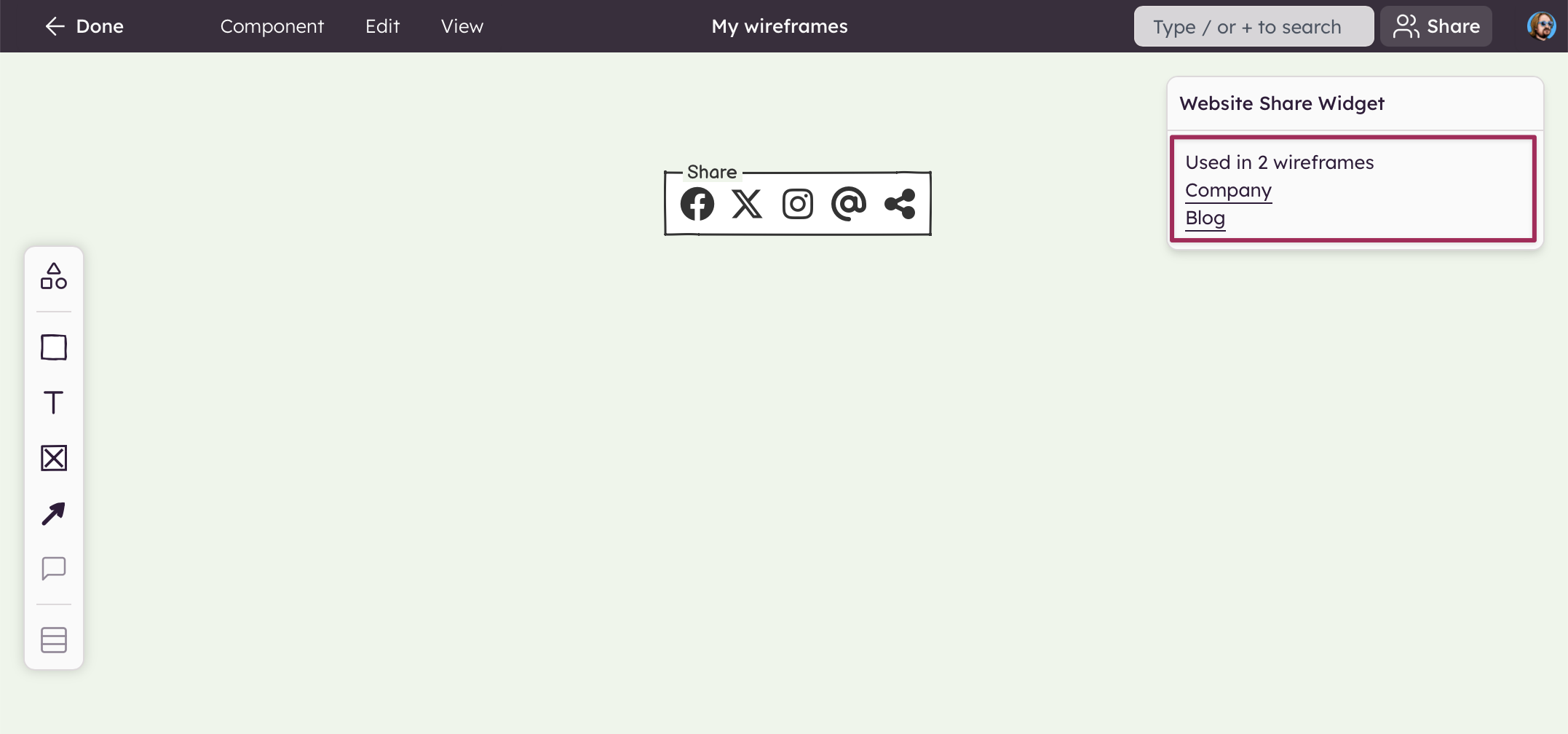
The Components editing mode allows you to add notes to your Component. It also shows which boards (if any) the Component is used in. This can be used to identify any unused Components which you may want to delete. Clicking on a board name will take you to that board.
Cleaning up your components
All unused Components can be cleaned up at once using our Export feature.