The comments panel
Comments allow you to collaborate on your designs by sharing feedback asynchronously. They are also useful for taking notes for yourself as you work.
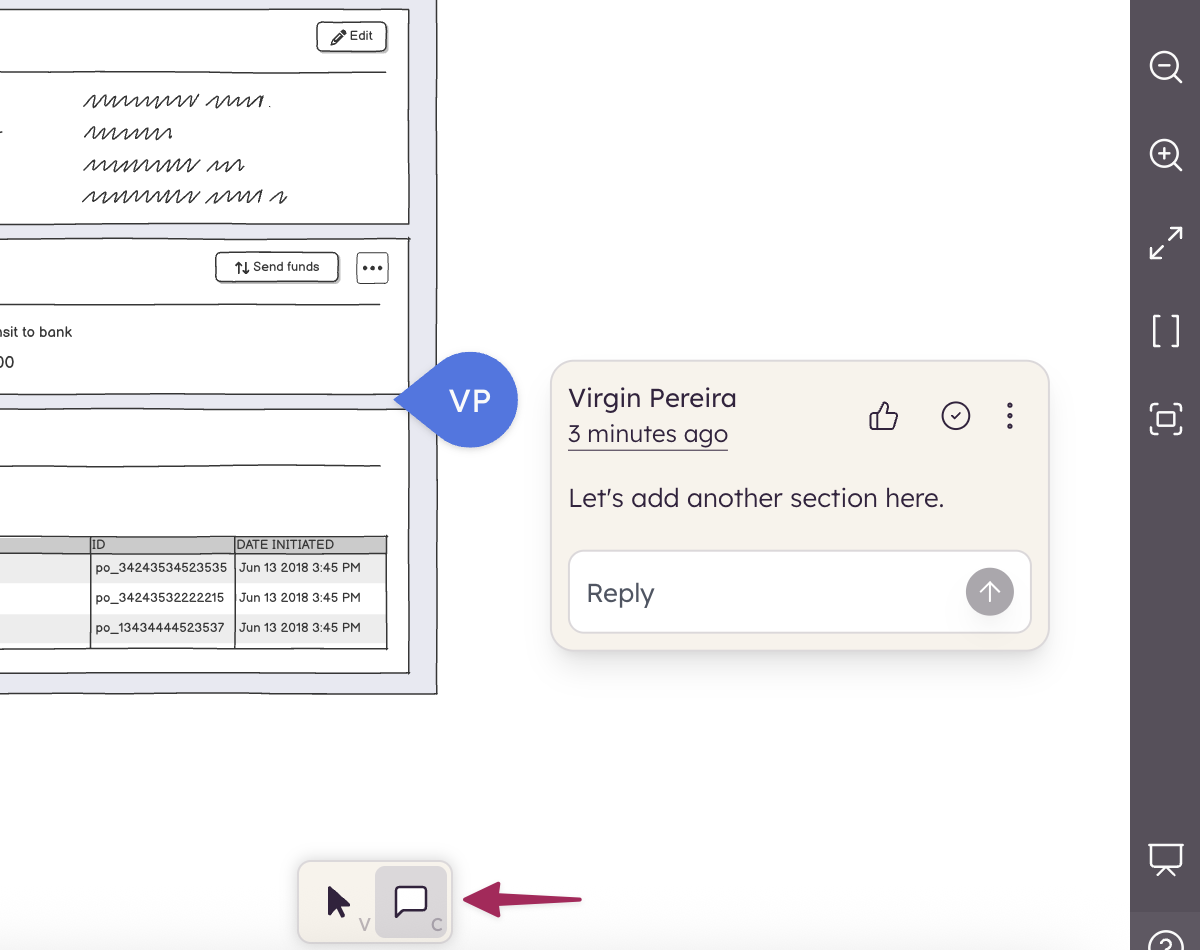
- You can add new comments, reply to existing ones, and like them.
- You can resolve, edit, and delete your own comments.
- Comments can be marked as unread.
- Resolved comments can be shown or hidden from the comments panel.
- A notification bell in the top bar shows a count of unread comments across the project.
- You can @-mention teammates to notify them (Balsamiq Cloud only).
- Each comment has a link icon to copy a direct URL to that specific comment.
Learn more about comments in Reviewing and commenting.