Ever heard of “vibe prototyping”? If not, let me explain, as I would to my dad.
Prototyping isn’t just about making things clickable. There are really two kinds: one is to learn what you should build, and the other is to prove something works. The first one is where a lot of product clarity happens—and honestly, where a lot of time and money gets saved.
Lately, a lot of new tools blur that line. AI-powered tools like Replit promise you can go straight from idea to working app using a handful of AI prompts. Sounds magical, and sometimes it is.
But the truth? Many teams end up building too much, too soon, and realizing too late that they weren’t aligned to begin with.
Replit is a powerful tool, especially if you’re a developer or engineer who wants to ship fast. But if you’re still figuring out what your product should do, you might be better served by a different kind of tool. One that’s built more for learning, meaning thinking through what product you want to build before building it.
If you’re considering switching tools (or just want to compare what’s out there), we’ve analyzed six Replit alternatives that might be better suited for clearer product thinking, faster iteration, or more flexible development. For each, we’ll cover:
- Use cases
- Key features
- Pros and cons
- Pricing
A look into Replit: What, why, and why not
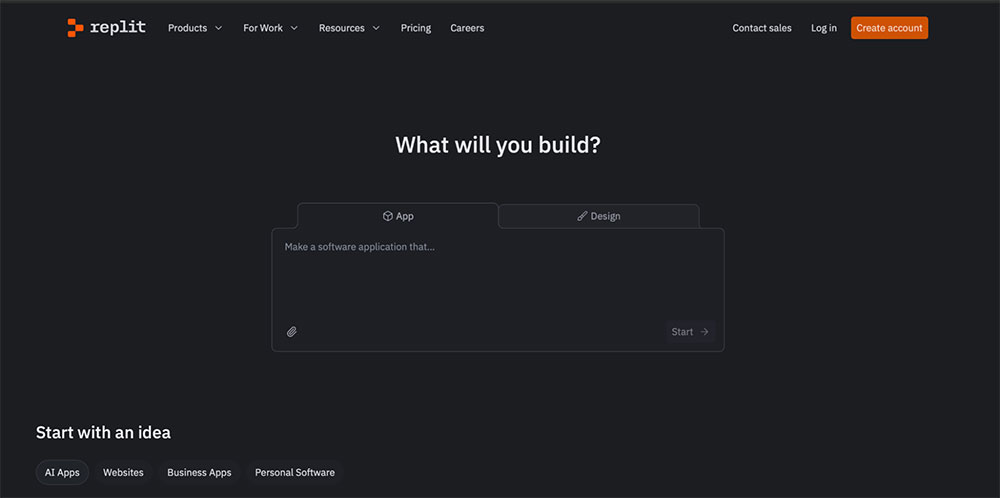
Replit is a powerful AI-driven development environment that helps you turn ideas into working software quickly.
You simply start with a prompt, and Replit’s Agent takes over from there—writing code, deploying it, and even debugging along the way. It includes a built-in IDE, version control, full-stack infrastructure, and visual editing tools. The biggest selling point? You don’t need any complicated setup or installs. Simply open your browser and start building.
What people use Replit for
Replit is especially useful when you need to get something functional off the ground fast. Engineers and software developers use it to:
- Build MVPs and internal tools
- Automate repetitive workflows
- Prototype full-stack apps using AI prompts
- Collaborate with teammates in real time
- Skip traditional dev setup and deploy instantly
It’s great when you know exactly what you’re building and just want to get there faster.
Why are people looking for Replit alternatives?
As much as users love the sheer speed at which they can build a seemingly functioning app, Replit doesn’t necessarily address a fundamental issue—clarity.
Replit is great when you’re super clear on what you’re building, why, and for who. But many teams turn to it before they’re fully aligned on the idea, the flow, or the user’s needs. And that’s where things start to break down.
But that’s not the only reason users are looking to switch from Replit. Here are three other dealbreakers for some teams:
- The pricing structure can be confusing. Replit uses a credit-based system for AI and deployment usage. It’s easy to burn through your credits without realizing it.
- AI-generated code isn’t always reliable. Complex flows can lead to brittle or bloated code that requires heavy cleanup.
- It’s optimized for output, not exploration. If you’re still trying to validate an idea or sketch user flows, it’s easy to overbuild too soon.
The best Replit alternatives at a glance
| Tool | Best for | Standout feature |
|---|---|---|
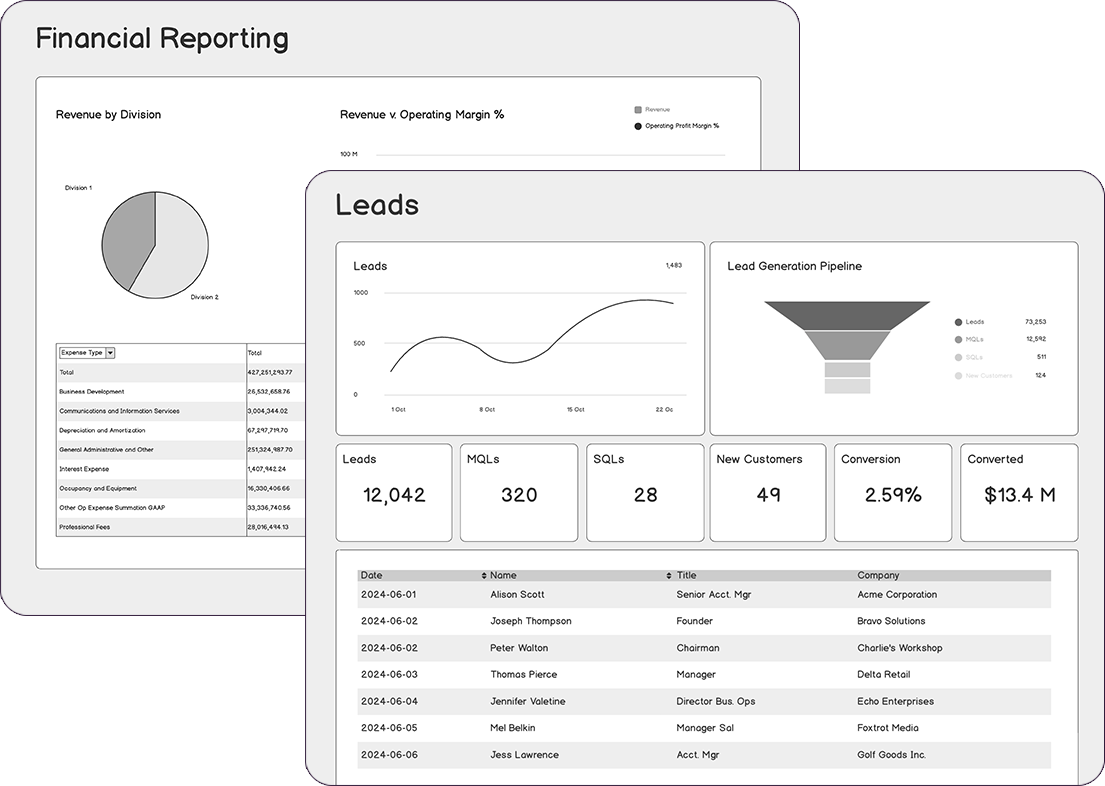
| Balsamiq | Getting clarity on product decisions | Low-fidelity wireframes with AI built in to support early product thinking |
| Bolt | Frontend-focused, AI-powered building | AI agents that generate and debug full-stack code |
| Lovable | Design-led AI app creation | Blends prompt-based UI with visual editing for speed |
| Cursor | AI-powered local development | In-editor multi-agent support with full context memory |
| GitHub Codespaces | GitHub-native workflows | Configurable containers with pay-as-you-go infrastructure |
| CodeSandbox | Frontend prototyping & scalable sandboxes | Instant, cloud-based development environments (Devboxes) using microVMs |
1. Balsamiq: Best Replit alternative for getting clarity on product decisions
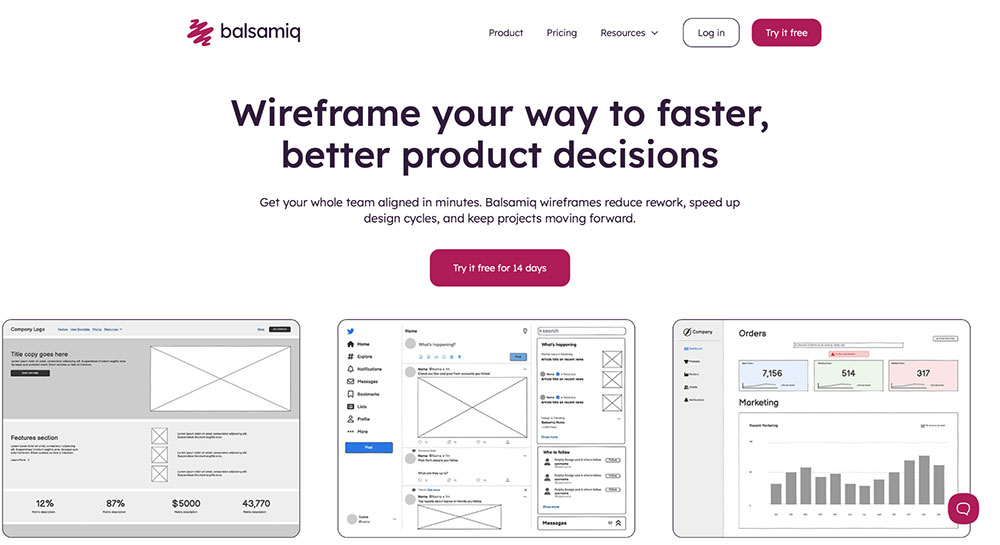
Let’s get this out of the way: we’re Balsamiq. So you might be wondering—what are we doing in a list of Replit alternatives? And why should you trust us?
We believe not everyone needs to dive headfirst into code, AI agents, and live deployments right out of the gate. Sometimes the smartest thing you can do for your product is pause and figure out what you’re actually building in the first place.
While Replit is fantastic for shipping code fast, Balsamiq is designed for the messy, crucial, early stages of product development: the part where you sketch, iterate, and align your team before you write a line of code.
Core features:
- Rapid low-fidelity wireframing for fast idea exploration
- Interactive click-through prototypes
- Balsamiq AI—a conversational wireframing assistant
- Pre-built libraries with reusable components
- Real-time co-edits, comments, and reactions
- Export and sharing via live link, PDF, or PNG
- Jira, Confluence, Trello, and Slack integrations
- Desktop and cloud versions
| Pros ✅ | Cons ❌ |
|---|---|
| Solves your biggest pain point: what to build and how | Not a high-fidelity app builder |
| Fast to create and easy to change | |
| Faster stakeholder alignment | |
| Priced per project, not per seat |
Balsamiq pricing
Balsamiq is priced per project, not per user. Plans start at $12/month (or $144/year) for up to 2 active projects. The Enterprise plan is $18/month (or $216/year), billed annually. Includes a 14-day free trial and free access for educators and students.
2. Bolt: Best Replit alternative for frontend-focused, AI-powered building
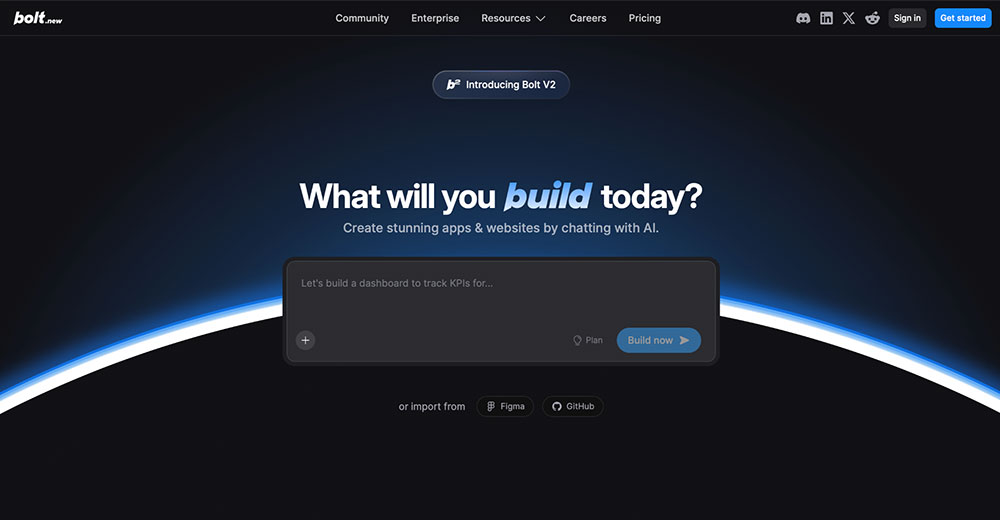
Bolt is built for makers who want to ship polished web apps quickly, especially with React or Next.js. It combines AI code generation with built-in hosting, databases, and visual controls.
Core features:
- AI agents that generate, test, and fix full-stack code
- Built-in hosting, database, auth, and SEO tools
- Import support for Figma and GitHub
- Full design system support
| Pros ✅ | Cons ❌ |
|---|---|
| Easy to use and powerful | Limited code transparency |
| Affordable for teams |
Bolt pricing
Free plan available. Pro starts at $18/month. Teams plans start at $27/month per member.
3. Lovable: Best Replit alternative for design-led AI app creation
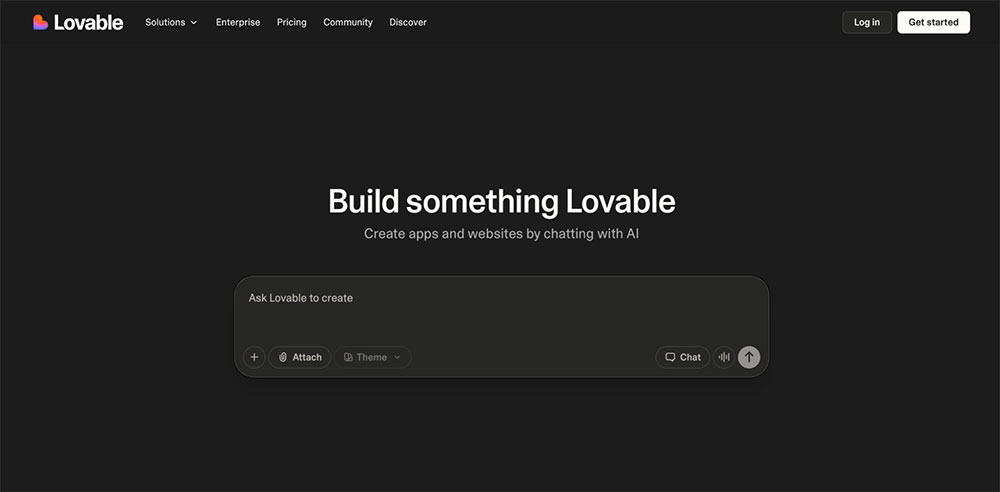
Where Replit leans heavily into code-first development, Lovable takes a more design-centric approach. It’s built for teams who want to generate full-stack React apps from prompts or mockups, then refine visually or in code—all within a collaborative, GitHub-connected workspace.
For product teams that care as much about brand and UX as they do about speed, Lovable offers a smoother way to go from idea to production-ready app.
Core features:
- Chat-based AI generation of full-stack apps (frontend + backend)
- Visual editing and real-time collaboration across roles
- Supabase backend auto-provisioned (database, auth, storage)
- GitHub sync, custom domains, and role-based permissions
| Pros ✅ | Cons ❌ |
|---|---|
| Supports both designers and developers with real-time collaboration | Primarily browser-based; teams preferring local IDEs may find it restrictive |
| No vendor lock-in—clean code export and GitHub | |
| Speeds up builds with smart templates and AI-generated scaffolds |
Lovable pricing
Lovable offers a free plan with 5 daily AI credits and unlimited collaborators. The Pro plan starts at $21/month (billed annually) and includes shared access across unlimited users, and unlocks custom domains, credit rollovers, and role-based permissions. For growing teams, the Business plan at $42/month adds features like SSO, private publishing, and personal projects. Enterprise plans are available upon request.
4. Cursor: Best Replit alternative for AI-powered local development
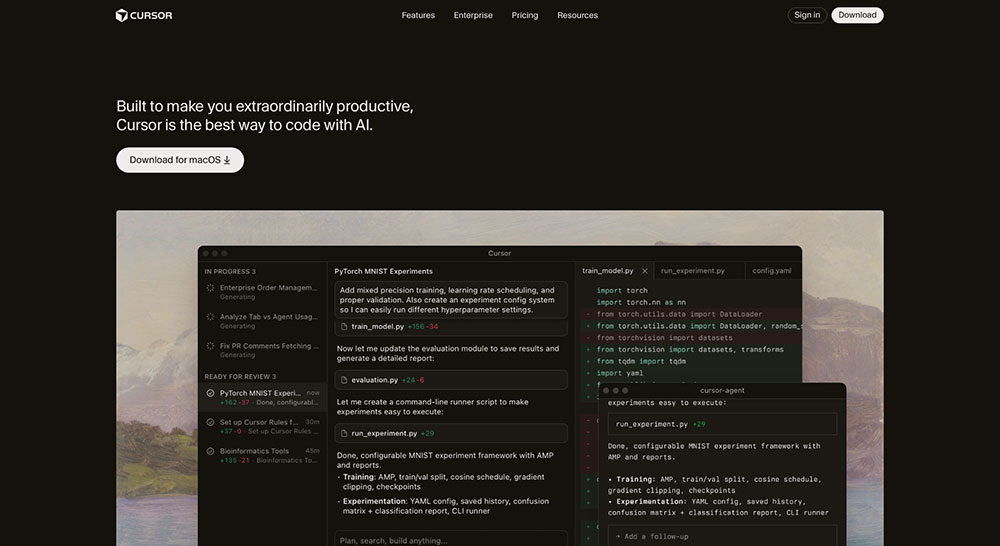
Another strong Replit alternative is Cursor—a desktop IDE built on VS Code, enhanced with deeply integrated AI. Unlike Replit, which offers an all-in-one cloud workspace, Cursor focuses on developer control, performance, and precision coding in local environments. It’s ideal for teams managing large codebases or anyone who wants more say in how AI assists their work.
Core features:
- AI Agent that edits, explains, and refactors code across entire projects
- Cmd+K for targeted natural language changes
- Multi-model support (GPT-5, Claude, Gemini, and more via API keys)
- Cursor Rules for enforcing project-wide coding standards
| Pros ✅ | Cons ❌ |
|---|---|
| Deep local integration with your full codebase | Requires local setup and a powerful machine |
| Native GitHub support for reviews, debugging, and syncing | |
| Precise inline edits, large-context reasoning, and agent automation |
Cursor pricing
Cursor has a free plan for basic use. The Pro plan at $16/month unlocks unlimited completions and more AI features. Pro+ ($60/month) and Ultra ($200/month) offer higher usage limits. Teams starts at $32/user/month for shared workflows and SSO, while Enterprise plans add advanced controls and support.
5. GitHub Codespaces: Best Replit alternative for GitHub-native workflows
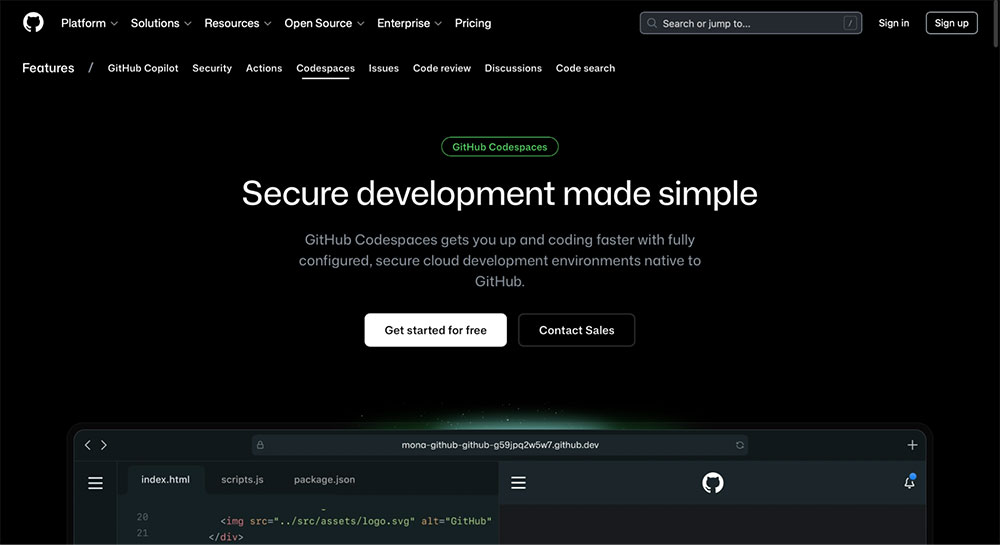
Next up, we have GitHub Codespaces—a cloud-hosted VS Code environment, deeply integrated with GitHub. Unlike Replit’s all-in-one browser IDE, Codespaces targets developers already embedded in GitHub workflows, offering secure, container-based environments with full VS Code support and flexible compute options.
Core features:
- Full VS Code in the browser or desktop
- Native GitHub integration with pull requests, issues, and branches
- Customizable dev containers and dotfiles
- Shared port previews and terminal access
| Pros ✅ | Cons ❌ |
|---|---|
| Flexible compute power for large projects | Costs scale with usage |
| Ideal for enterprise workflows | Less accessible for beginners |
| Works across browsers or desktop apps |
GitHub Codespaces pricing
GitHub Codespaces is a paid add-on available across GitHub’s Free, Team ($4/user/month), and Enterprise ($21/user/month) plans. It uses usage-based billing, starting at $0.18/hour for a 2-core machine and $0.07/GB/month for storage. Personal accounts get 120 compute hours and 15 GB storage free per month, but organizations are billed from first use, making budgeting harder at scale.
6. CodeSandbox: Best Replit alternative for frontend prototyping & scalable sandboxes
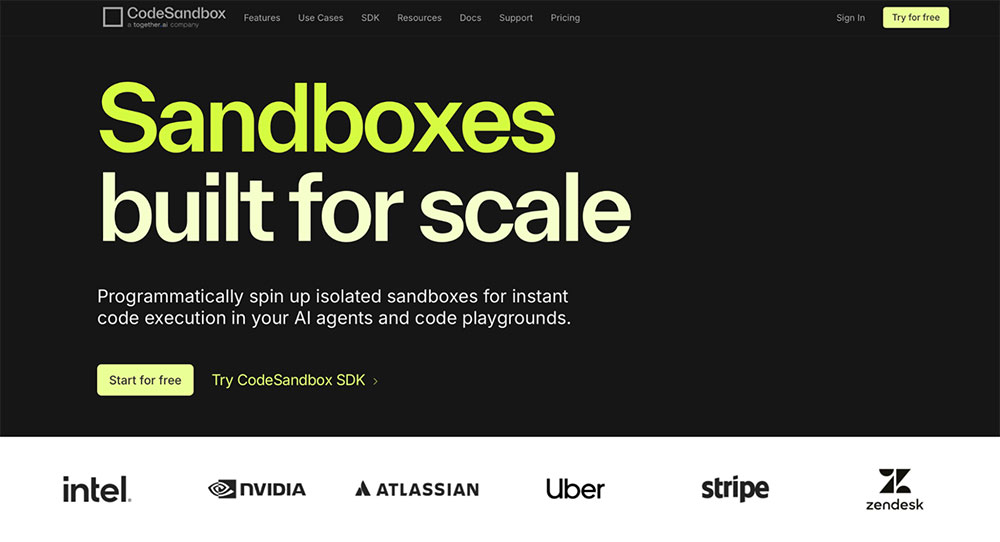
Last but not least on our list of Replit alternatives is CodeSandbox—a development platform tailored for fast, scalable, and secure sandbox environments, especially ideal for frontend prototyping, testing AI agents, and spinning up dev environments on demand.
Core features:
- Instant browser and VM-based sandboxes
- CodeSandbox SDK for programmatic environment creation
- Private sandboxes and live collaboration
- Prebuilt templates for React, Next.js, Python, and more
| Pros ✅ | Cons ❌ |
|---|---|
| Extremely fast VM startup and sandbox spin-up | Limited backend support for full-stack apps |
| Strong SDK for scaling AI/agent workflows | |
| A decent free plan for casual prototyping |
CodeSandbox pricing
CodeSandbox has a free Build plan with 40 VM hours/month for up to 5 members. The Scale plan starts at $170/month per workspace, unlocking 160 VM hours, higher concurrency (250 VMs), and SDK access. VM usage is billed separately, starting at $0.075/hour. Enterprise plans are available upon request.
Take your pick
There’s no shortage of Replit alternatives out there—each one optimized for a different kind of workflow. If you’re confident in your idea and ready to ship, tools like Bolt, Cursor, and GitHub Codespaces can help you move quickly.
But if you’re still in that fuzzy early stage, when you’re clarifying the idea and trying to secure stakeholder buy-in, Balsamiq is your best bet.
Try Balsamiq for free and save yourself from costly rework.